Skip to the main content.

EMPLOYMENT NETWORKS

Reach every Ticketholder your Employment Network serves

Reach Ticketholders by text or phone, and keep a record of every attempt you can hand to SSA.

A Ticketholder who stops answering is a ticket that goes inactive and a milestone that never gets paid. Send your reminders by text or by automated phone call, and every message is saved with its delivery record.


Get your free account Get a demo
  • Real-time delivery reports
  • Free 10DLC carrier registration
  • Award-winning, human support
hero-industry-employment-networks

Orange-stars

Text-Em-All has helped generate better response rates by making messages easier to send, receive, and track.

- Sherri S., President, Ameriforce Personnel
16,000+ organizations served
 
100% employee-owned
 
95%+ message deliverability
 
4.7★ 1,036 reviews on Trustpilot

How do Employment Networks use Text-Em-All?

Employment Networks use Text-Em-All to reach Ticketholders, the Social Security disability beneficiaries they serve, by text and by automated phone call, and to document that contact for SSA. The three jobs it does most: reaching Ticketholders who haven't assigned their Ticket yet, prompting the monthly contact that milestone payments are documented against, and running the webinars and info sessions in between. Every message is saved with its delivery record.

Why Employment Networks choose Text-Em-All

One shared team account

Outreach that lives on staff members' own phones goes cold the moment someone's out. In one shared account, anyone on your team can see what was sent, who replied, and what still needs a follow-up.

Reporting you can hand over

Every message, reply, opt-out,  and delivery result is saved and exportable, so it's easy to provide to SSA. Sherri Stone at Ameriforce points to Text-Em-All reports first when she says what made their process better.

Landlines get a call

Upload your list, and the numbers that can't receive a text get flagged automatically. Send those an automated phone call instead, so a landline or an older handset doesn't leave someone out.

thumbnail-ameriforce

See how Ameriforce grew program participation

Before Text-Em-All, outreach lived in individual staff inboxes, and threads went cold when someone was out.

What changed once they started using Text-Em-All

  • One shared account
    Follow-up no longer depends on who's in the office that day.
  • Follow-up on a rhythm
    Check-ins and program updates get scheduled ahead instead of going out when someone remembers.
  • Engagement they can see
    The reporting shows who's responding and who needs another outreach.


Read their full story

How Employment Networks use text messaging

Whether you're a two-person shop or you carry tickets in a dozen states, the work is the same work: reach somebody, get an answer, write it down. These are the five things ENs send most.

Tickets assignments

Plenty of Ticketholders have never assigned their ticket, or heard of the program. Send a keyword they can text back, and you get a list of who wants help.

Monthly touch points

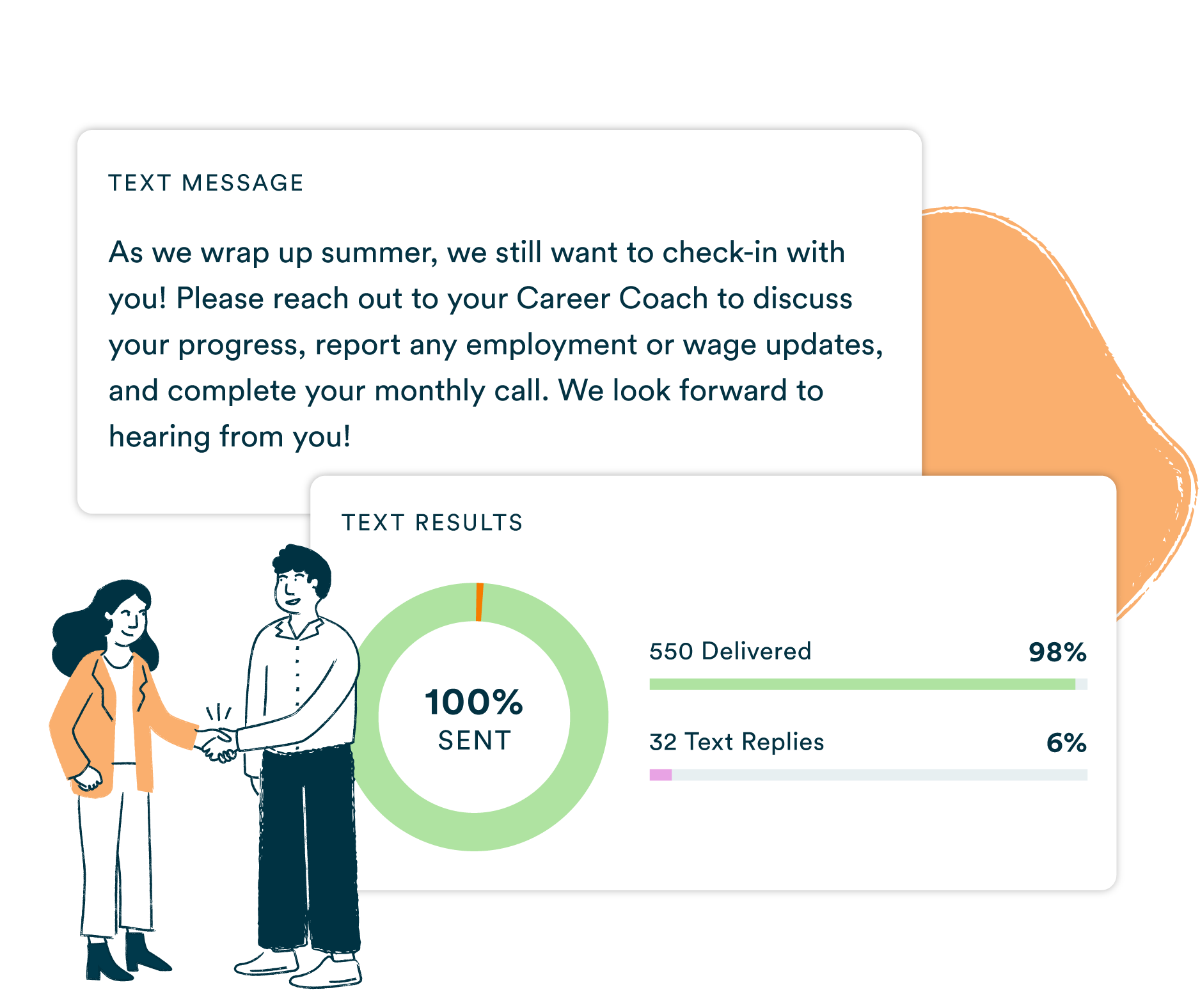
Staying in touch each month keeps a Ticket active, and it's what milestone payments get documented against. Text everyone who's due to check in with their career coach, and keep the record.

Webinars and info sessions

An invitation, a reminder an hour before, and a follow-up for people who still had questions. Worth adding to the reminder: the join link is probably in their spam folder.

Benefits counseling

Losing medical coverage is what stops most people from trying for more hours. Ask directly, let them reply yes, and route it to a Benefits Counselor.

Team coordination

Career coaches, benefits counselors, and intake staff are rarely at a desk together. One message reaches all of them, with replies in a shared inbox.

Job search support

Send an opening to the people it fits instead of the whole list. Do the same for resume help and interview prep, and replies come back in one place.

Which channel to use and when

If the person you're reaching Send Because
Has a phone that receives texts A text Most are read within minutes
Is blind or has low vision An automated phone call It doesn't depend on reading a screen
Has no smartphone or no texting plan An automated phone call It reaches any phone
Needs to reply to you A text Replies come back to a shared inbox
Doesn't recognize your number An RCS message Your name and logo appear on it

How to get started with texting

01
Create your account

Sign up in a couple of minutes. No credit card, and nobody calls you unless you ask them to. You can look around the whole platform before you decide to purchase.

02
Bring in your contacts

Upload your contacts from your SSA marketing file, or add people by hand. Numbers that can't receive a text get flagged automatically, so you know to send them a call instead.

03
Write and send your message

Type your text, choose your group, and send, or schedule it for the right time. The whole process takes under two minutes.

04
Track performance

See who received your message, monitor replies in the two-way inbox, and download delivery reports to forward to SSA to stay compliant.

Frequently asked questions

You've done the research. Now see it in action.

Create a free account, register your number, and send your first message.