





- Integrations
- Automation
- viaSocket
AUTOMATION PLATFORM
Connect Text-Em-All to any app without code
viaSocket lets you build automated workflows that trigger texts from Text-Em-All based on what happens in your other tools. New Shopify order, new HubSpot contact, new spreadsheet row — your message goes out automatically.
What this integration does
viaSocket is a no-code automation platform that connects Text-Em-All to thousands of other apps. Once linked, you can trigger text broadcasts, add contacts to groups, and send individual messages automatically based on events in tools like HubSpot, Shopify, Google Sheets, or Airtable, no developer required.
What's available
Every trigger and action in Text-Em-All
Mix and match these with any of viaSocket's 2,000+ connected apps to build exactly the workflow you need.
Workflow ideas
Popular ways teams automate Text-Em-All with viaSocket
These are workflows real customers run today. Each one takes minutes to configure and runs automatically from that point on.
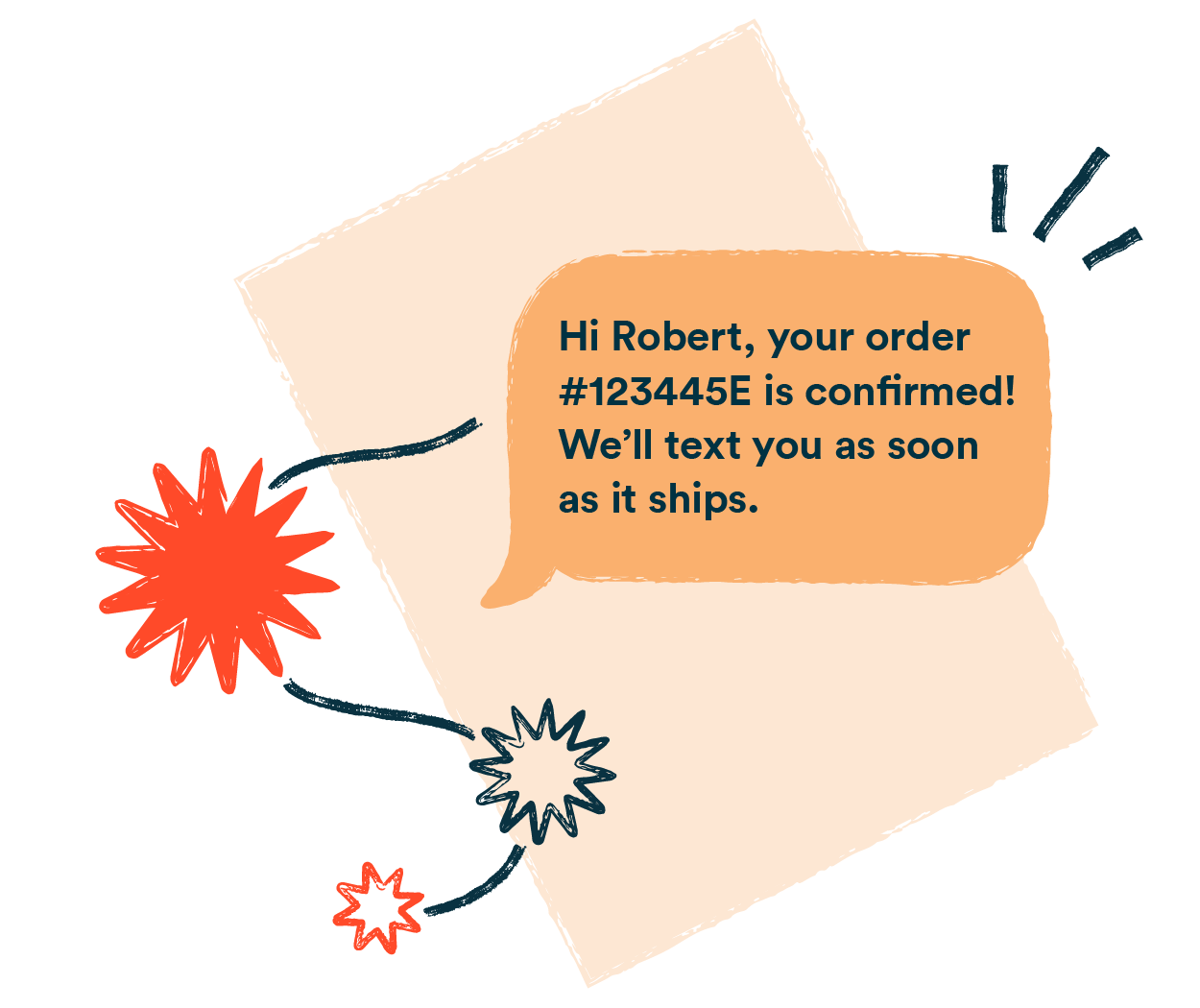
When a new Shopify order is created, viaSocket sends a confirmation or welcome text automatically through Text-Em-All. Your customer hears from you in seconds, not hours.
When a contact enters HubSpot, viaSocket adds them to the right Text-Em-All group instantly. No more manual CSV exports and imports — your lists just stay current.
For teams managing signups or registrations in Google Sheets, a new row can automatically fire a text confirmation through Text-Em-All — no manual step needed.
When someone replies to a text, viaSocket can send that response to Zendesk, Airtable, HubSpot, or wherever your team handles follow-ups. Nothing gets lost.
Setup
Build your first workflow in under 15 minutes
No developer, no webhooks to configure manually. viaSocket handles the connection — you just tell it what you want to happen.
Sign up at viasocket.com and connect Text-Em-All by following the login steps provided for you, it only takes about 2 minutes.
Pick the app where your workflow should start — Shopify, HubSpot, Google Sheets, or any of 1,000+ options. Select the specific event that should kick things off.
Choose what Text-Em-All should do when the trigger fires. Map the data fields, preview the workflow, and turn it on. From that point it runs automatically, every time.
Workflow examples
See exactly what these automations look like
Three ready-to-use workflows you can copy directly in viaSocket today.
Integration details
What you need to know before you connect
| Spec | Details |
|---|---|
| Setup time | Under 15 minutes, no developer needed |
| Connection method | OAuth - log in to your Text-Em-All account |
| Triggers | 3 — outbound text sent, inbound reply, broadcast status change |
| Actions | 6 — send broadcast, send text, add contact, create group, delete group, remove from group |
| Apps connectable | ✓1,000+ via viaSocket |
| Multi-step workflows | ✓Supported, with conditional logic |
| Text-Em-All plan required | Any active account |
| Integration fee | No charge from Text-Em-All; viaSocket pricing applies |
What customers say
Teams that automated their messaging
"We connected Shopify to Text-Em-All in about 20 minutes. Every new customer gets a welcome text automatically now. Our reply rate is 3x what we saw with email alone."
"Our team manages event registrations in Google Sheets. The moment someone signs up, they get a confirmation text. It used to take an hour every morning — now it just happens."
More integrations