






PRAYER REQUESTS
Prayer requests that reach your whole congregation
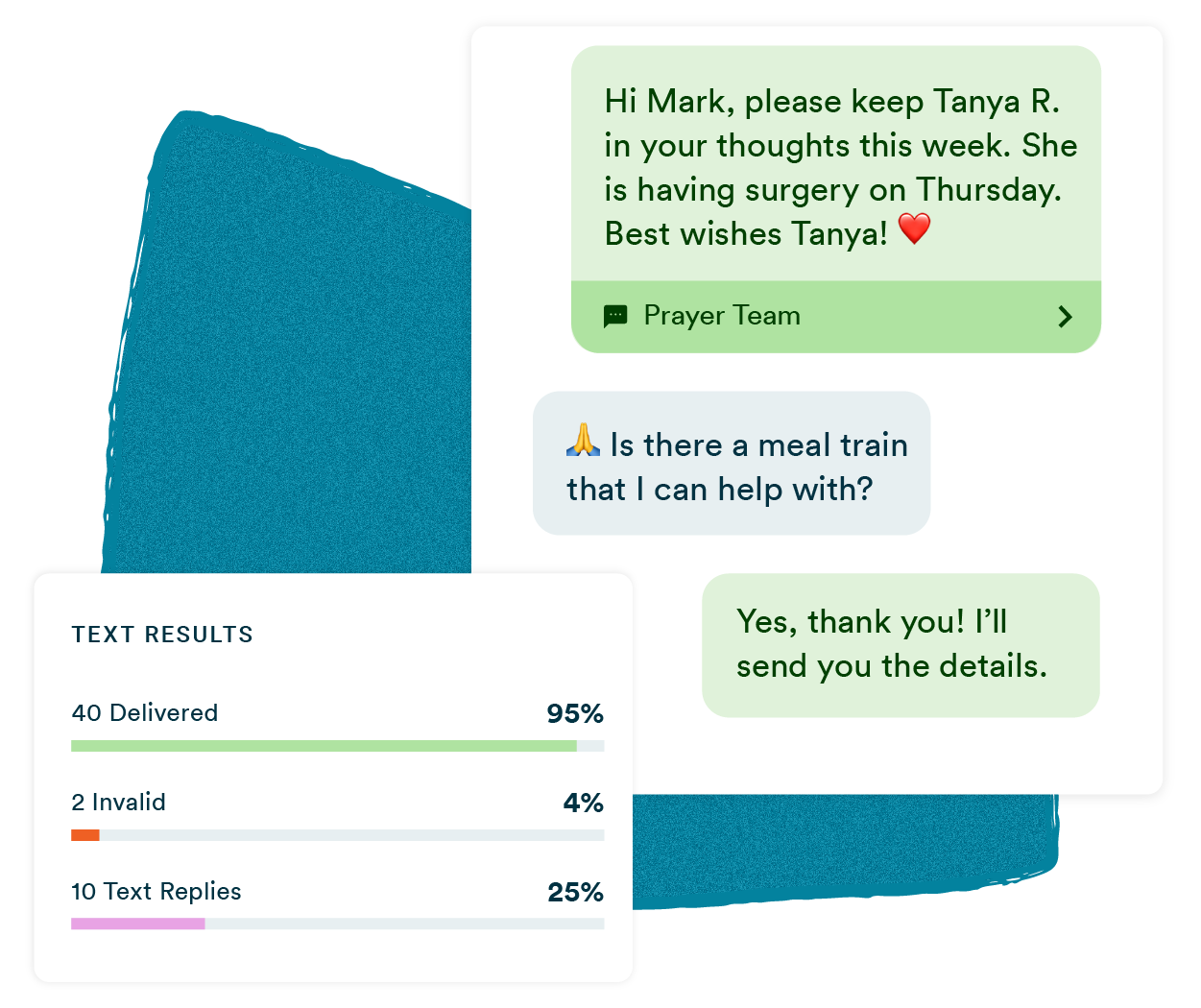
Members text in their needs. You send one broadcast back out. Every request gets shared, every member feels the support, without the coordinator managing a dozen separate conversations.
No credit card required.
How churches use Text-Em-All to share prayer requests
Text-Em-All helps churches collect prayer requests through two-way texting and distribute them to the full congregation in a single broadcast. Members submit requests by replying to a text. Coordinators share them in one message that reaches everyone at once. No phone tree, no missed members, no sensitive details shared without permission.
Why organizations trust Text-Em-All for text reminders
No one gets left out
One broadcast reaches every member on your list simultaneously, whether they attend every Sunday or haven't been in months.
Members respond privately
Two-way texting lets members submit requests or follow up directly with the coordinator, without posting to a group chat or raising their hand in a crowd.
Works for any congregation size
Whether you're texting 50 members or 5,000, the process is the same: Upload your list, write your message, and send.
Built for churches of every size
Small churches
When the pastor handles communication personally, a weekly broadcast takes minutes to set up and reaches everyone at once. No phone tree required.
Mid-size congregations
A dedicated admin can collect requests through two-way texting, compile them, and broadcast to the full list, all from one platform, without managing multiple tools.
Large churches
High-volume sends, multiple campuses, thousands of contacts. Text-Em-All scales without adding complexity to the coordinator's workflow.
Ministry teams
Small groups, women's ministry, youth, seniors. Separate contact lists mean prayer requests reach the right people without going to the whole congregation every time.
What Text-Em-All does for your prayer ministry
Mass texting
Send one message to your entire congregation, or a specific group, in seconds. Texts go out simultaneously, so everyone hears the same thing at the same time.
Two-way texting
Members can reply directly to your broadcast. Coordinators see every response in a shared inbox and can follow up privately, keeping sensitive prayer needs out of a public channel.

Automated calling
For members who prefer a phone call over a text, especially older congregation members, automated voice broadcasts deliver the same message to every phone number on your list.
Scheduled broadcasts
Set up your weekly prayer request collection text once and schedule it to go out every Sunday evening. No manual send required.
Contact lists
Upload your member directory, organize contacts into ministry groups, and let Text-Em-All automatically filter out numbers that can't receive texts.
Delivery reporting
See exactly which members received your message and which numbers bounced, so no one falls through the cracks when it matters most.

Three habits that make prayer request texting work
Prayer requests involve personal, sometimes sensitive information. A few habits keep your process respectful and your congregation trusting.
01
Protect privacy
Collect requests through private replies. Before broadcasting, confirm the member is comfortable with what you're sharing. A first name and a general need is usually enough.
02
Keep a consistent rhythm
A weekly collection text sent at the same time each week trains your congregation to expect it and respond.
03
Follow up
A brief follow-up the next week, "We're still praying for James as he recovers," shows members their requests weren't forgotten.
How to run a prayer request cycle
with Text-Em-All
01
Upload your directory
Add contacts manually or upload a spreadsheet. Text-Em-All filters out non-textable numbers automatically.
02
Send your collection text
Broadcast a short message asking members to reply with prayer needs. Schedule it to go out automatically each week.
03
Collect and review replies
Incoming responses land in a shared inbox. Review each request, follow up privately if needed, and compile what you'll share.
04
Broadcast requests
Send one message to your full list. Every member receives it at the same time.
05
Follow up the following week
Include a brief update on previous requests before sending the next collection text. Members who shared needs feel seen. Members who prayed feel connected.
If you have any need to contact multiple people at once, please consider using Text-Em-All! It will make your life so much easier! We used to have a prayer chain at our church. One person would often have to call 5 to 10 people until someone answered. Now we can just send out one message at a time instead of having to call multiple people, hoping someone answers.
- Elisabeth M.
Questions about texting prayer requests
-
Can members submit prayer requests by text?
Yes. When you send a broadcast through Text-Em-All, members can reply directly to your message. Their replies land in your inbox, where you can read each one privately and decide what to share with the congregation. This keeps sensitive requests out of a public channel and gives members a direct, private line to the coordinator.
-
How do I share prayer requests with the full congregation at once?
Write one message with the week's compiled requests and send it as a broadcast. Every contact on your list receives it simultaneously. No forwarded chains, no phone tree, no manually texting each person. You can also schedule the broadcast in advance so it goes out automatically at the same time each week.
-
What if some members prefer a phone call over a text?
Text-Em-All supports automated voice calling alongside mass texting. You can send the same prayer request update as a voice message to members who prefer a phone call, or combine text and voice in a single broadcast to reach everyone the way they want to be reached.
-
Do I need to register my church to send texts?
Yes. Any organization sending texts at volume needs to register through the carrier system (called 10DLC). Text-Em-All handles this process for you at no additional charge, and most registrations are approved within one to two business days. Registration protects your messages from being filtered as spam and keeps your congregation's inbox clean.
-
How much does it cost to text a congregation?
Text-Em-All offers pay-as-you-go pricing and monthly plans. For smaller congregations that send weekly, pay-as-you-go is often the most cost-effective option. For larger churches sending multiple broadcasts each week, a monthly plan typically makes more sense. See full pricing details at text-em-all.com/pricing.
Start reaching your whole congregation
Set up your free account in minutes. No credit card required, and your first test message costs nothing.